

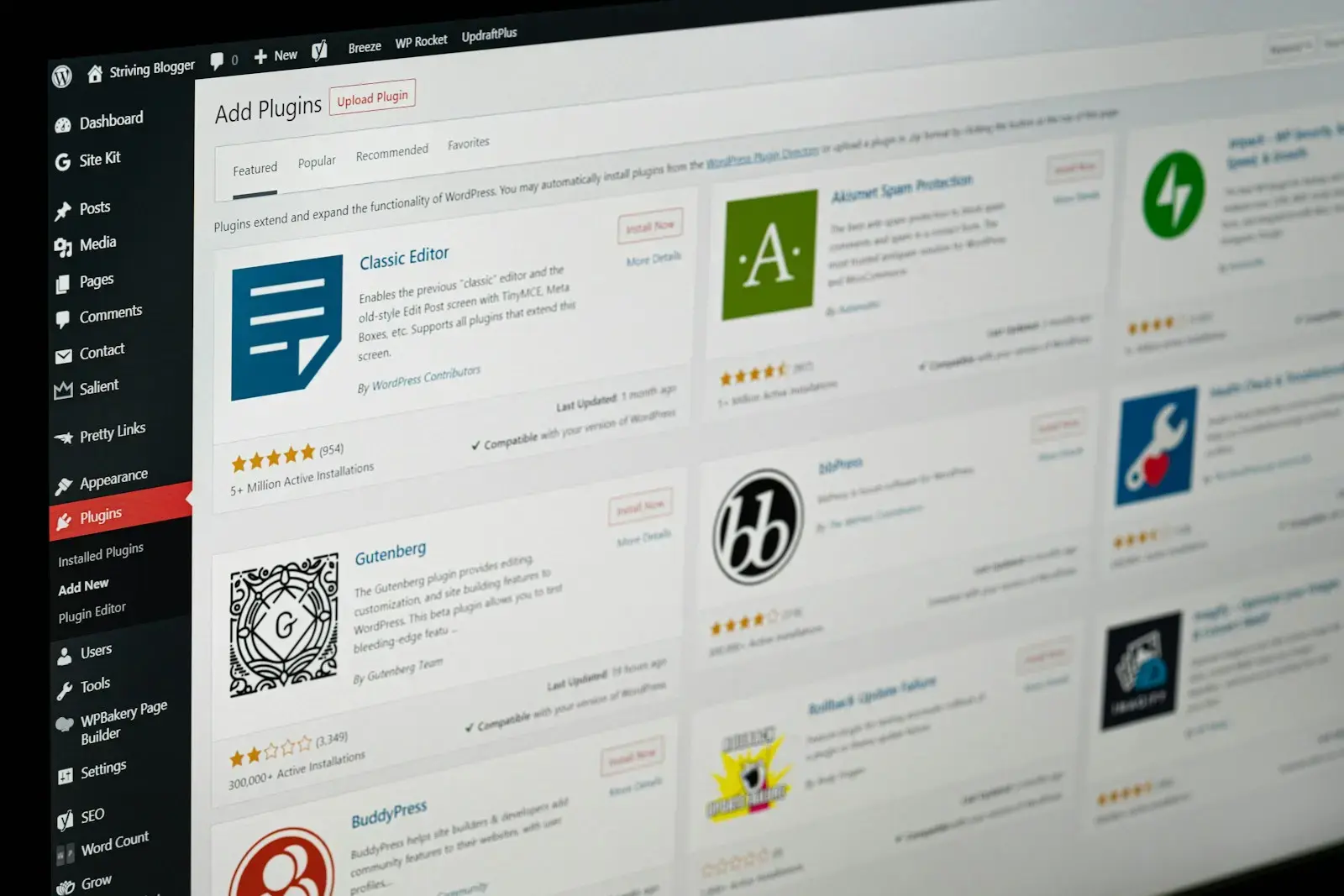
WordPress’s plugin ecosystem is its great strength and its quiet liability. Each install is a convenience at the moment of need and an obligation forever after: more code to load, more updates to track, another vendor’s roadmap in your critical path, another door for an attacker to try.
A simple discipline
- One job, one tool. If two plugins overlap, one of them goes.
- Prefer the platform. If WordPress core or the theme can do it natively — galleries, embeds, forms via a single trusted builder — use that.
- Audit annually. A plugin nobody can explain is a plugin to remove.
- Weigh the supply chain. Who maintains it? How fast did they patch the last vulnerability? An abandoned plugin is unpaid technical debt with your name on it.
Where an off-the-shelf plugin would be overkill, we increasingly write small single-purpose tools instead — lean, auditable, and maintained for our clients deliberately. Between a 40-plugin estate and a 12-plugin estate doing the same work, the smaller one is faster, cheaper to host, and dramatically easier to hand to the next person. Restraint is a feature.
How to run the audit
List every active plugin in a spreadsheet with four columns: what it does, who relies on it, when it was last updated upstream, and what would happen if it vanished tomorrow. Anything without a confident answer in column two is a candidate. Anything stale in column three is a risk. Do this with the site’s editors present — they know which features are actually used, and the answer is humbling.
Then group the survivors: content (forms, SEO, search), infrastructure (caching, backups, security), and integrations. Within each group, look for overlap. Two SEO plugins are one too many; three page-builder-era gallery plugins are two and a half too many.
Decommissioning safely
- Deactivate before deleting, and watch the site for a week — some plugins fail loudly only on edge-case pages.
- Search the database for shortcodes the plugin owned; they render as raw text after removal.
- Check scheduled tasks (cron) for orphaned jobs.
- Export any data the plugin held before it goes. Deactivation rarely deletes data; removal sometimes does.
A leaner estate is not an aesthetic preference. Every removed plugin is one fewer update cycle, one fewer compatibility matrix, one fewer 3am vulnerability email. The maintenance hours come back, and they compound.